


Real or fake AirPods? Check with a flashlight
Fakes now look almost exactly like real AirPods, and people often notice only when they start sounding bad or the battery drains fast. With your phone’s flashlight you can check three things in a couple of minutes. We show it on 3rd-generation AirPods.
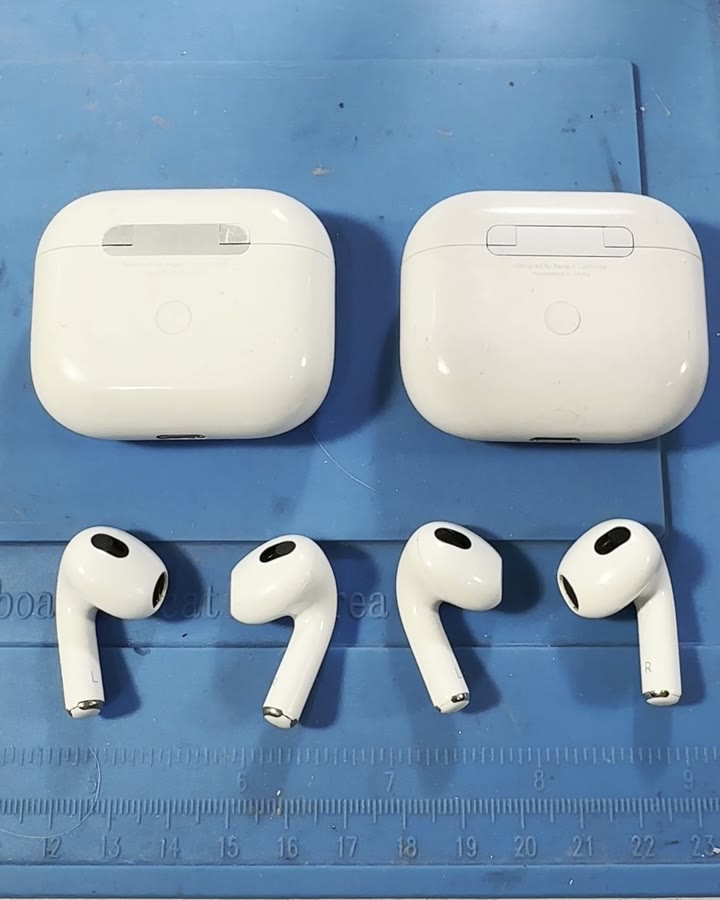
1. The case hinge
On the original the hinge is metal; on a copy it’s painted plastic. Take a closer look and shine a light on it: metal reflects differently from paint.
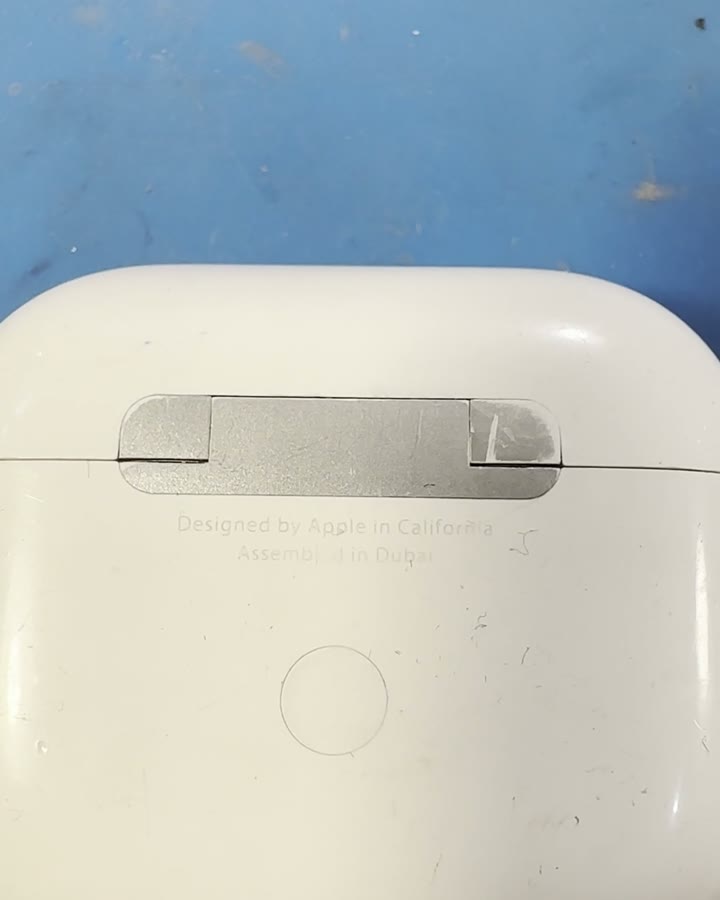
2. The mesh on the earbud
The original has real mesh on the earbud. On a copy it’s plastic molded to look like mesh. Shine a light and compare.
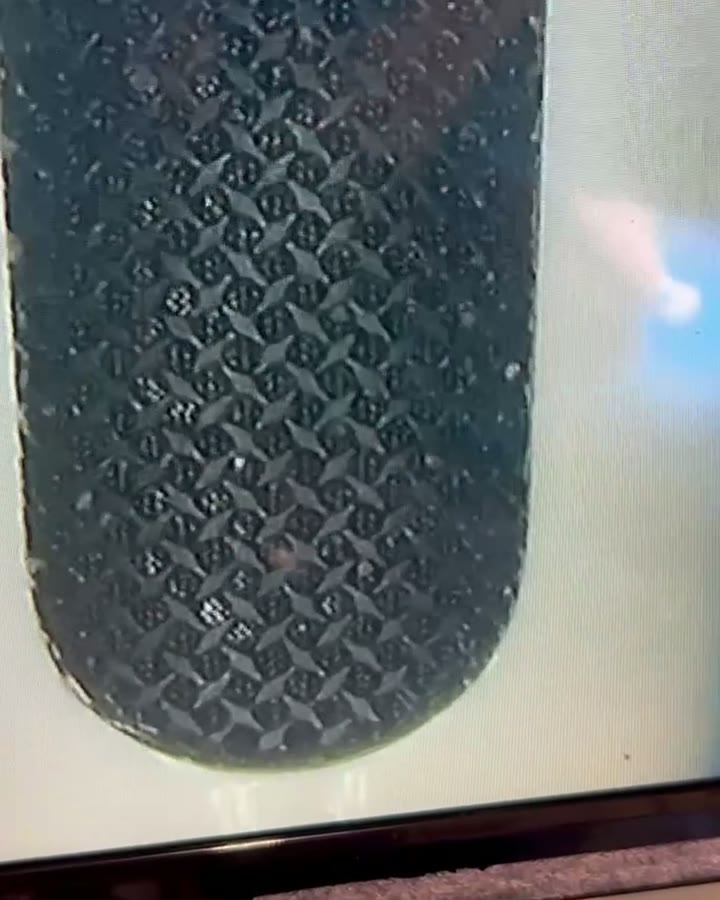
This is what the “mesh” on a copy looks like — smooth plastic with a pattern.
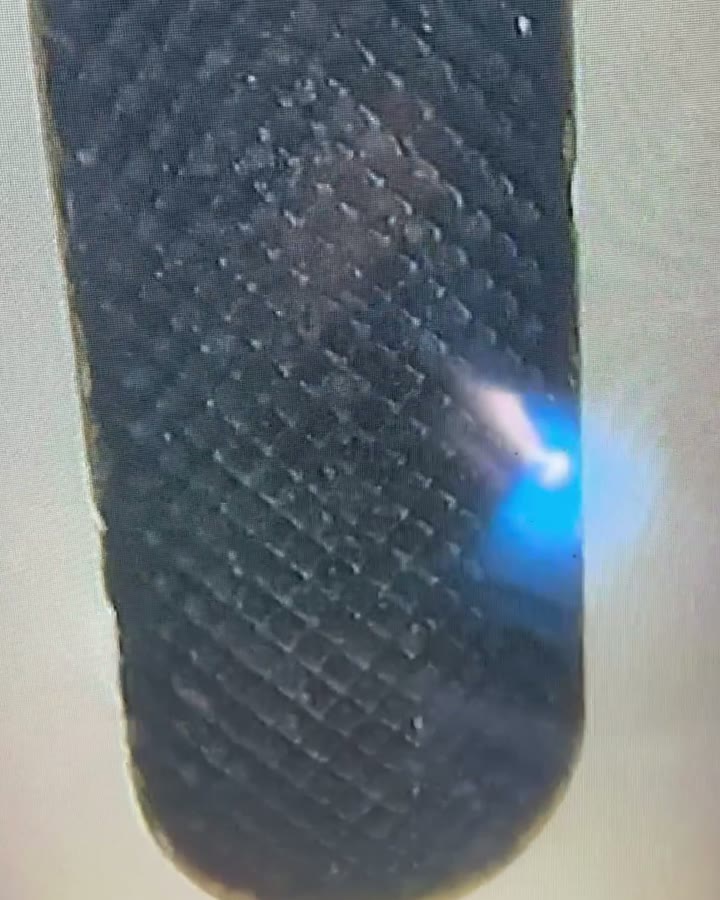
3. Antennas in the case lid
Open the case, shine the flashlight on the lid from the outside and look from the inside: on the original you can see the antennas through the plastic.
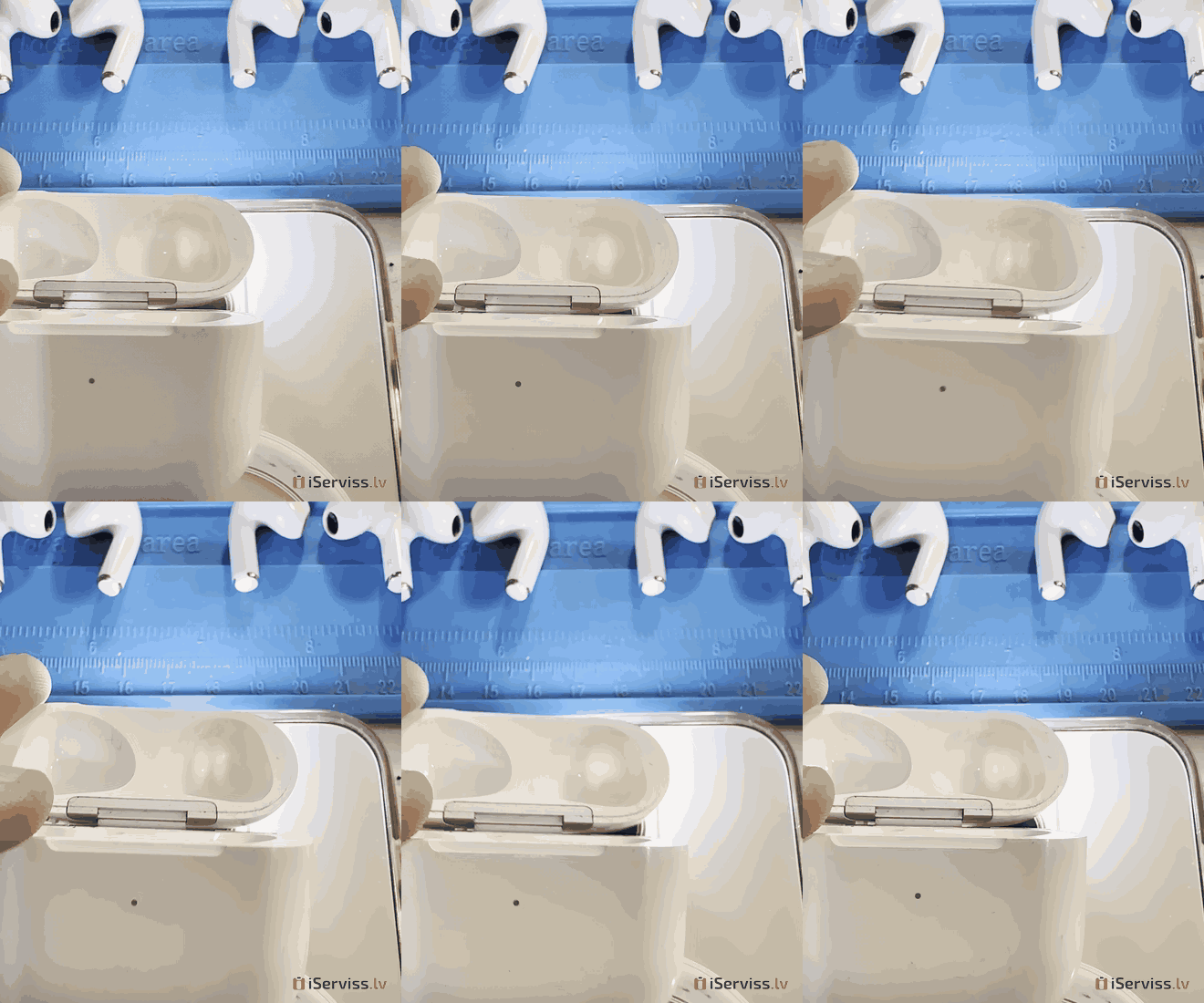
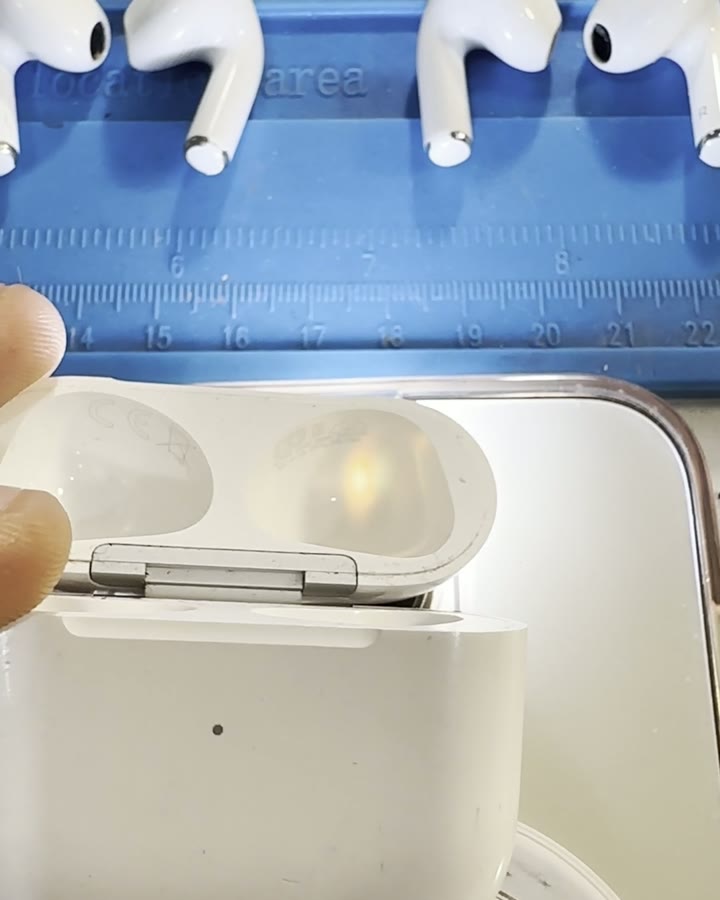
Here is how it looks in 3D: the flashlight shines on the outside of the lid, and a yellow antenna shows through the plastic in the recess for the earbud. Move the light and the antenna shows up in the second recess too.
One more check
Connect the AirPods to an iPhone and find the serial number in Settings (Settings → your AirPods). You can use it to check the device on Apple’s site, checkcoverage.apple.com.
Tips
- When buying used AirPods, check them before you pay.
- If your AirPods sound quiet or crackly, dirt in the mesh is often the reason. Cleaning AirPods at our service centre takes about 20 minutes.
- Not sure? Call +371 22 142 142 or message us on WhatsApp — we’ll help:
 WhatsApp




- Tourism and leisure
- 3MK
- Solar Power
- Green Cell
- LED Lamps
- Drones
- Mous Accessories
- Details
- Phones and smartphones
- Tablets, accessories
- Photo, video equipment, optics
- TV, Video equipment
- Laptops, accessories
- Gaming Consoles
- Accessories
- Health care & beauty
- Computers
- For kids
- Device
- Audio equipmets
- Transportation devices
- Home and Garden
- Building tools
- Small appliance

Kr. Barona iela 70, Rīga.


