


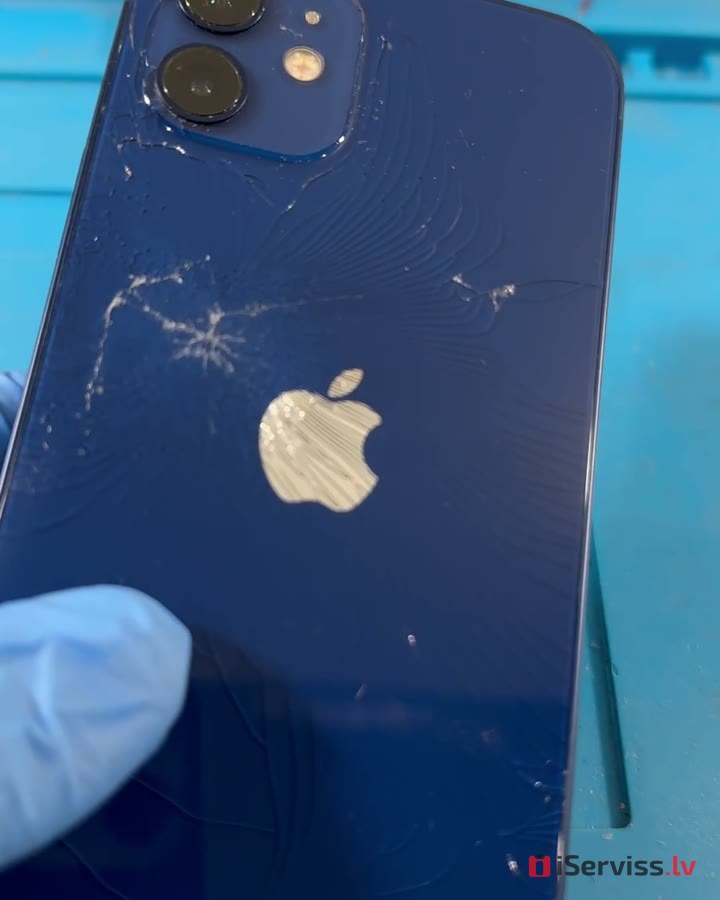
What’s under a cracked iPhone 12 back glass — and how we replace it
A cracked back glass isn’t just about looks: moisture and dust can get in through the cracks, and the sharp edges can cut your fingers. Here’s how we replace the back glass on an iPhone 12 and what’s underneath.
 Message on WhatsApp
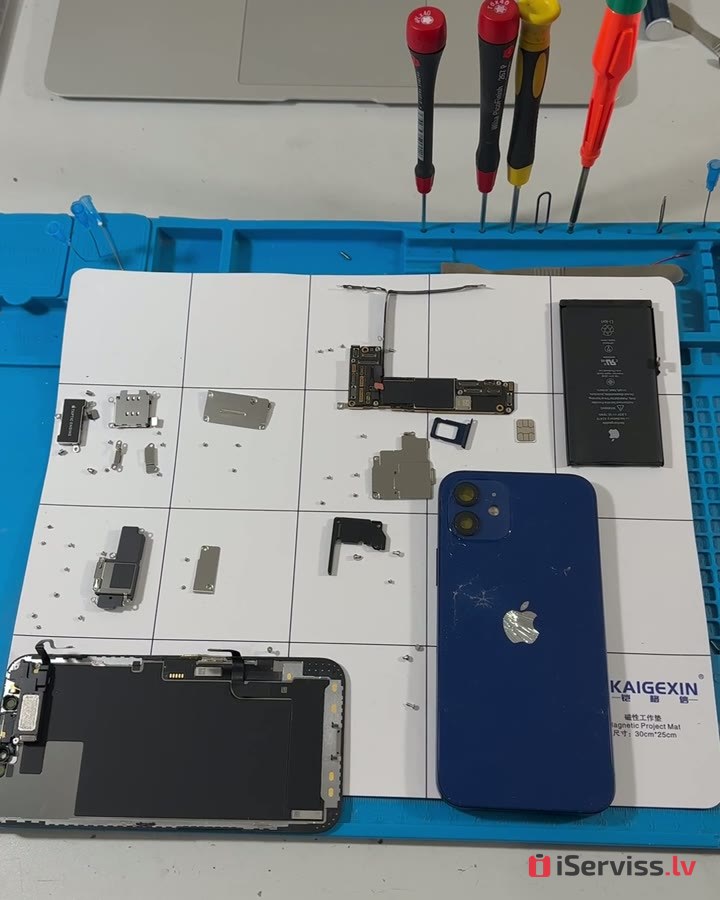
1. We take the phone completely apart
To avoid damaging anything, we first remove everything from the housing: the logic board, battery, cameras and screen.
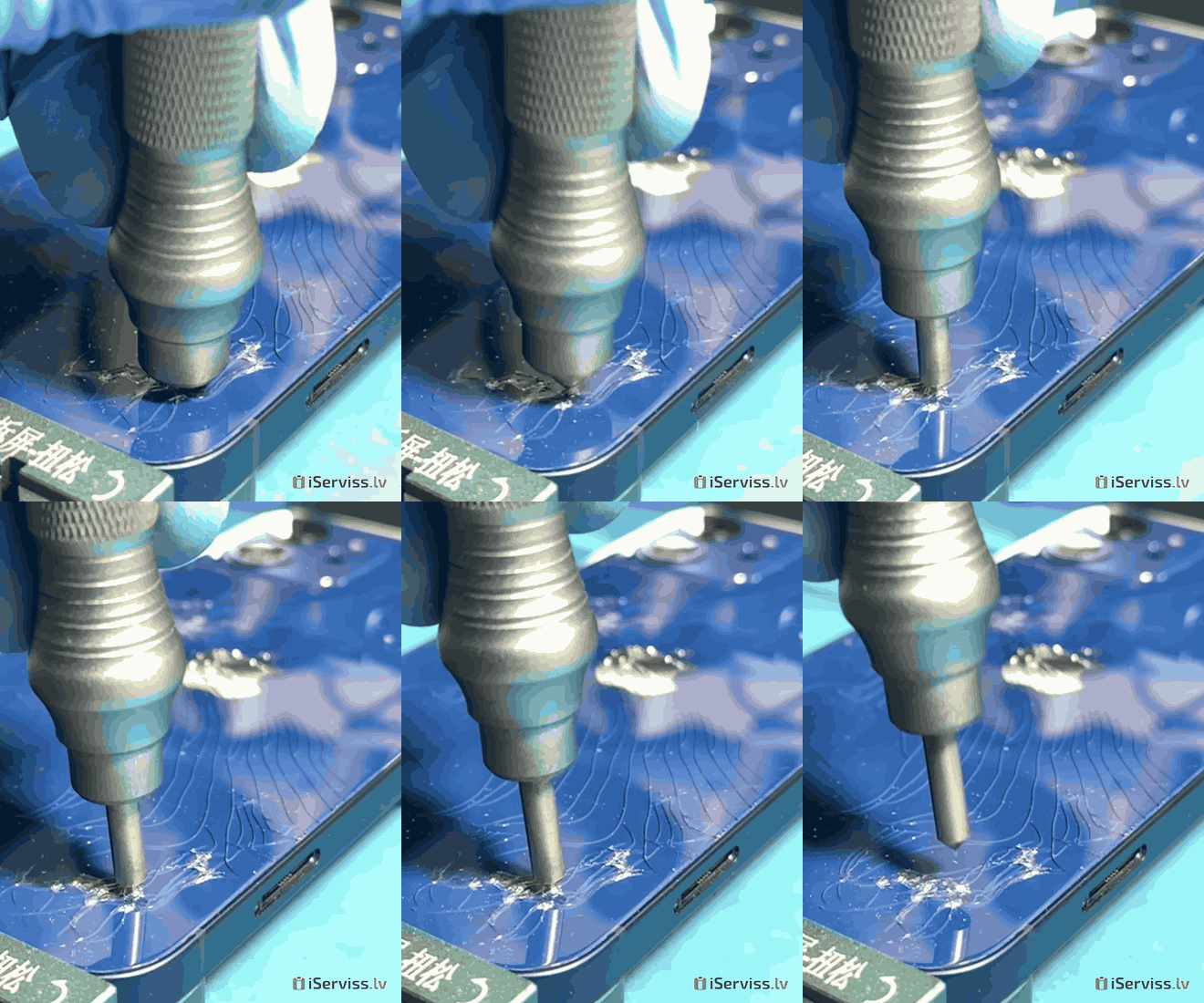
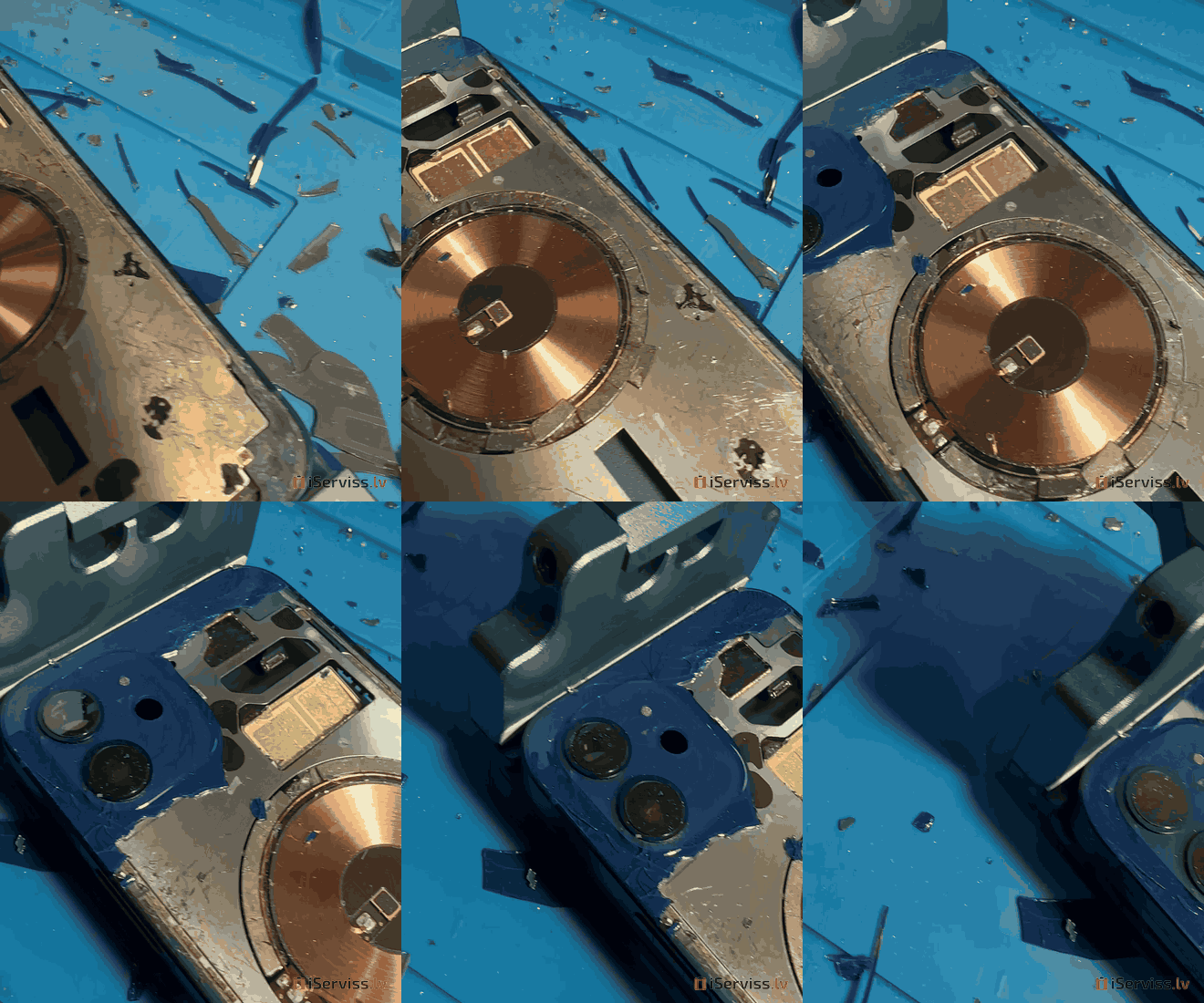
2. We break the old glass into small pieces
The back glass is firmly bonded to the housing. To take it off carefully without scratching the frame, we break it into small pieces and remove them bit by bit.
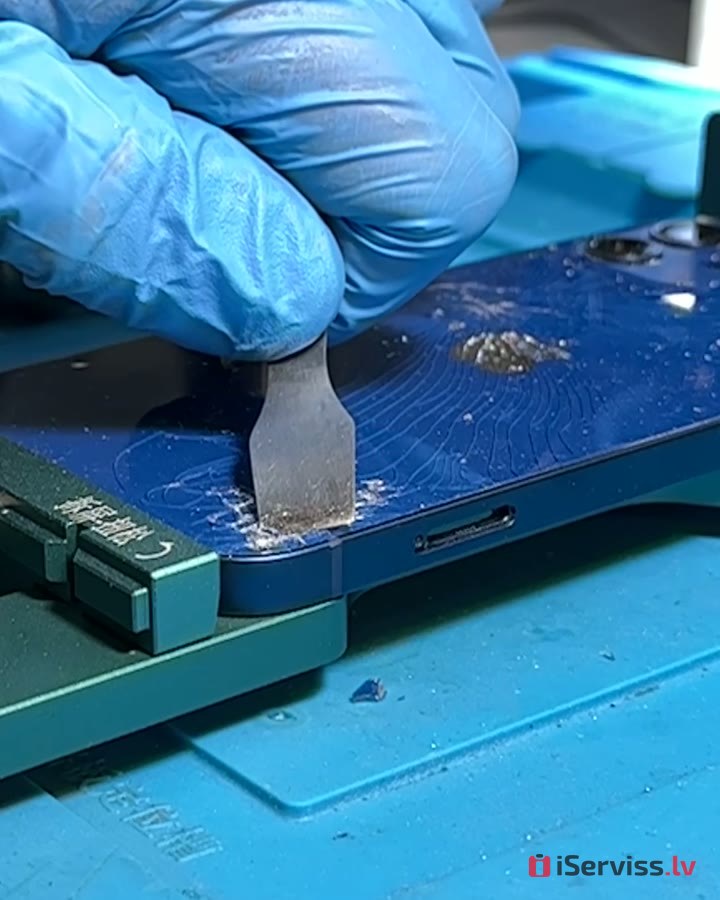
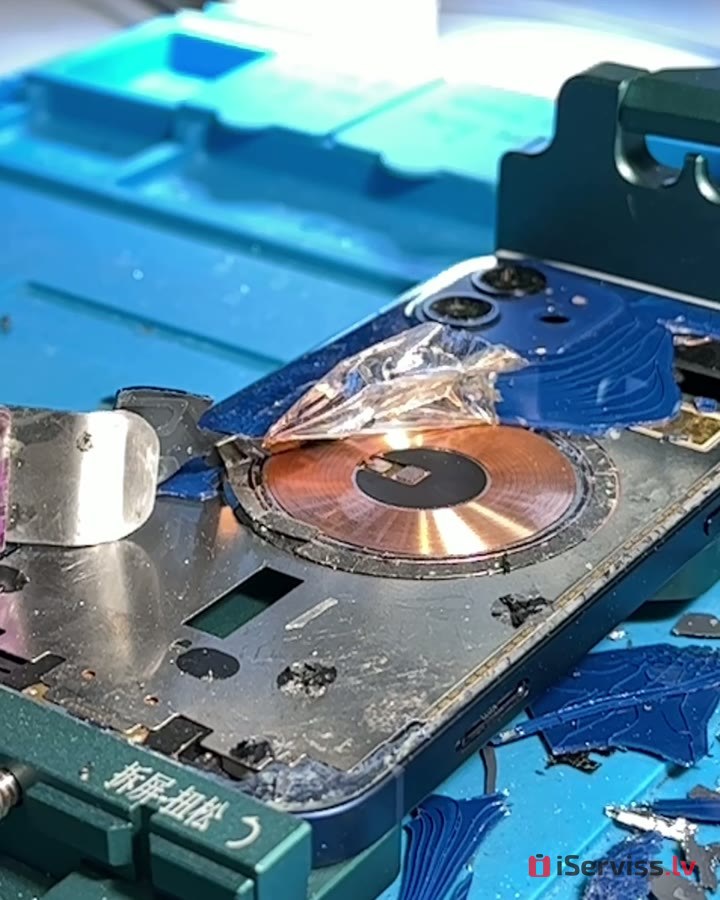
3. Under the glass sits the wireless charging coil
Once the glass is off, you can see the copper coil the iPhone uses to charge on wireless chargers and MagSafe. We take care not to damage it, and we check it.
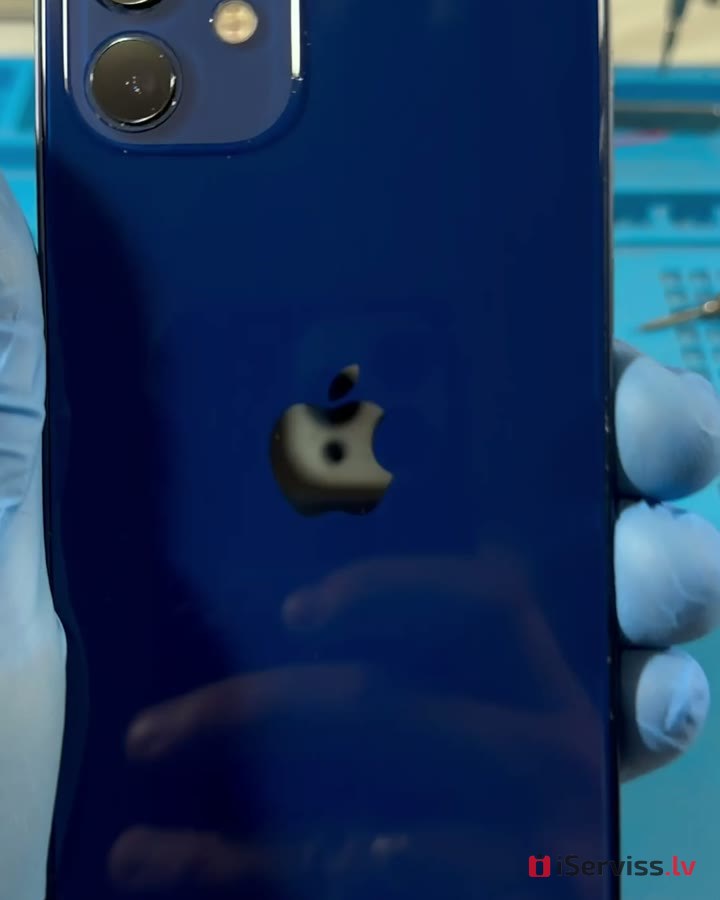
4. New glass goes on and the phone is reassembled
After assembly we test the cameras, wireless charging and everything else.
Good to know
After a glass or housing replacement, factory water resistance is not guaranteed — we mention this when we take the phone in. We give a 6-month warranty on labour and parts. If you have the repair done with us, diagnostics are free.
Tips
- Until you get it repaired, cover the cracks with clear tape so you don’t cut yourself.
- Don’t put a phone with cracked back glass on a wireless charger.




- Tourism and leisure
- 3MK
- Solar Power
- Green Cell
- LED Lamps
- Drones
- Mous Accessories
- Details
- Phones and smartphones
- Tablets, accessories
- Photo, video equipment, optics
- TV, Video equipment
- Laptops, accessories
- Gaming Consoles
- Accessories
- Health care & beauty
- Computers
- For kids
- Device
- Audio equipmets
- Transportation devices
- Home and Garden
- Building tools
- Small appliance

Kr. Barona iela 70, Rīga.


