


Dyson switching itself off? Check the filter
If your Dyson vacuum cuts out on its own or starts pulsing, the problem is often not the motor but the filter. Here’s why it happens and how to wash the filter properly at home.
 Message on WhatsApp
Why the vacuum switches off
A clogged filter doesn’t let enough air through. The motor works harder, overheats, and the thermal cut-out kicks in — the vacuum switches off to protect itself.
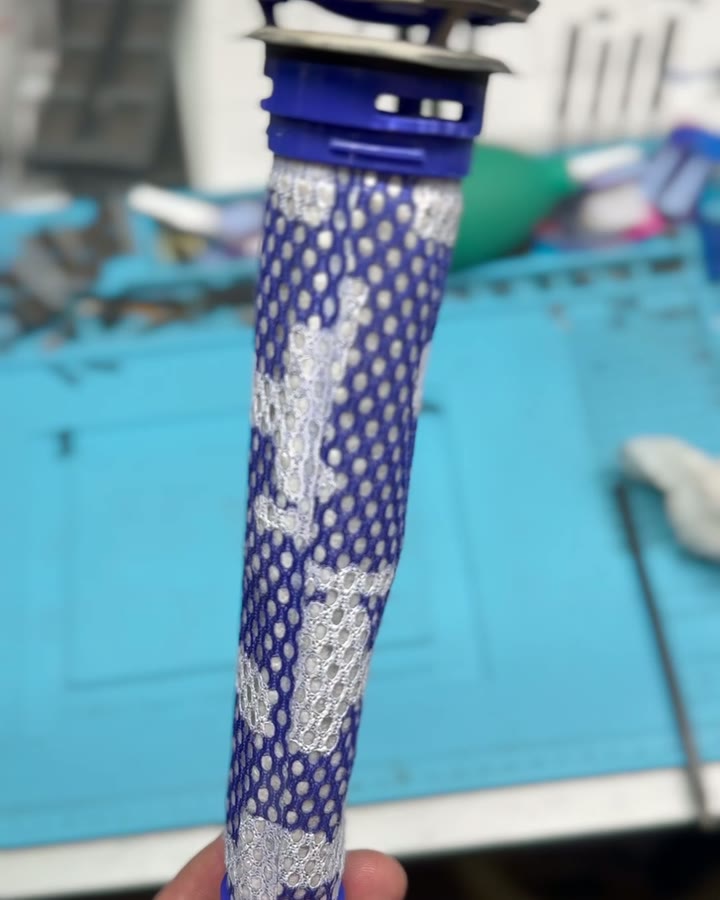
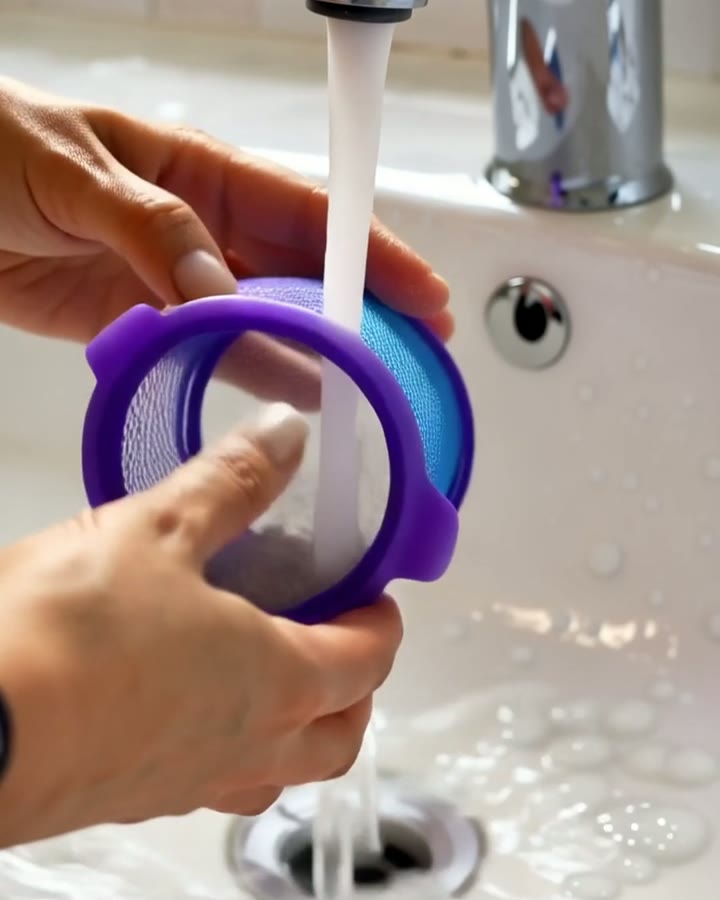
1. Wash the filter once a month
Take the filter out and rinse it in cold water only — no detergent and never in the dishwasher. Keep rinsing until the water runs clear.
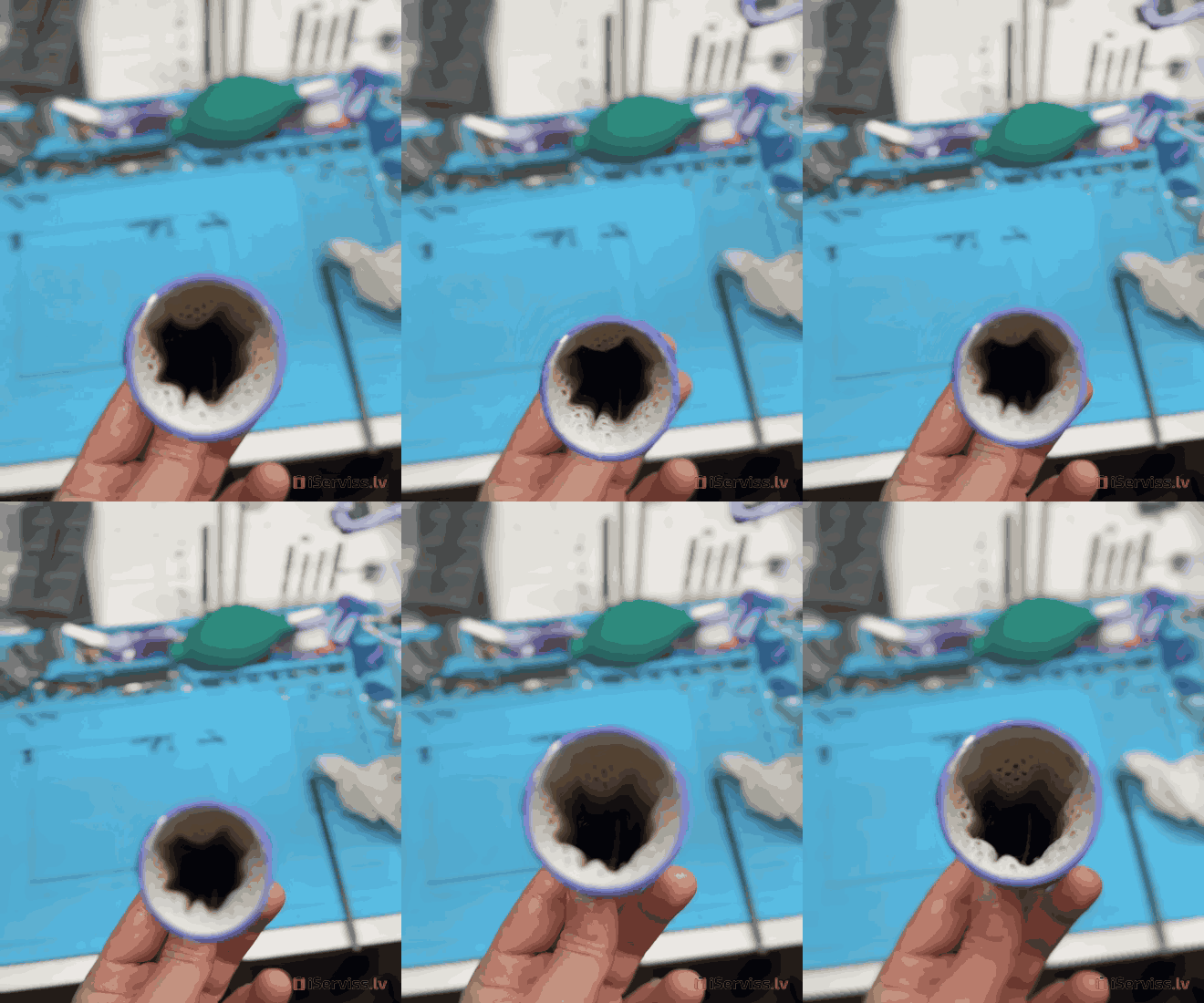
2. Dry it for at least 24 hours
Leave the filter to dry at room temperature. Only put it back when it’s completely dry — a damp filter can damage the motor.
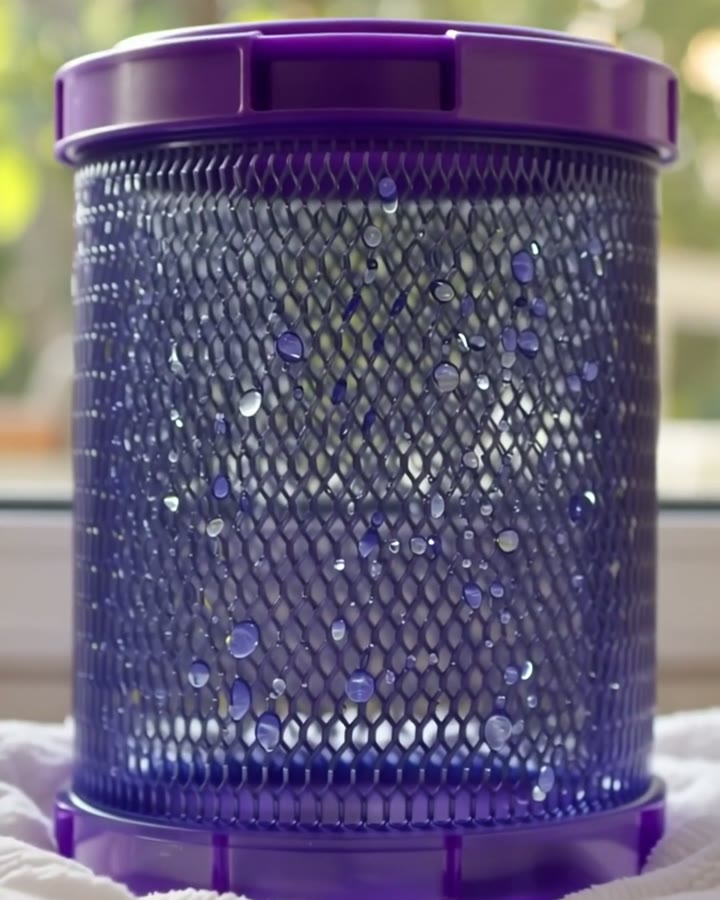
3. Don’t forget the rear filter
Many models also have a filter at the back of the body. Check and clean it too, following the manufacturer’s instructions.
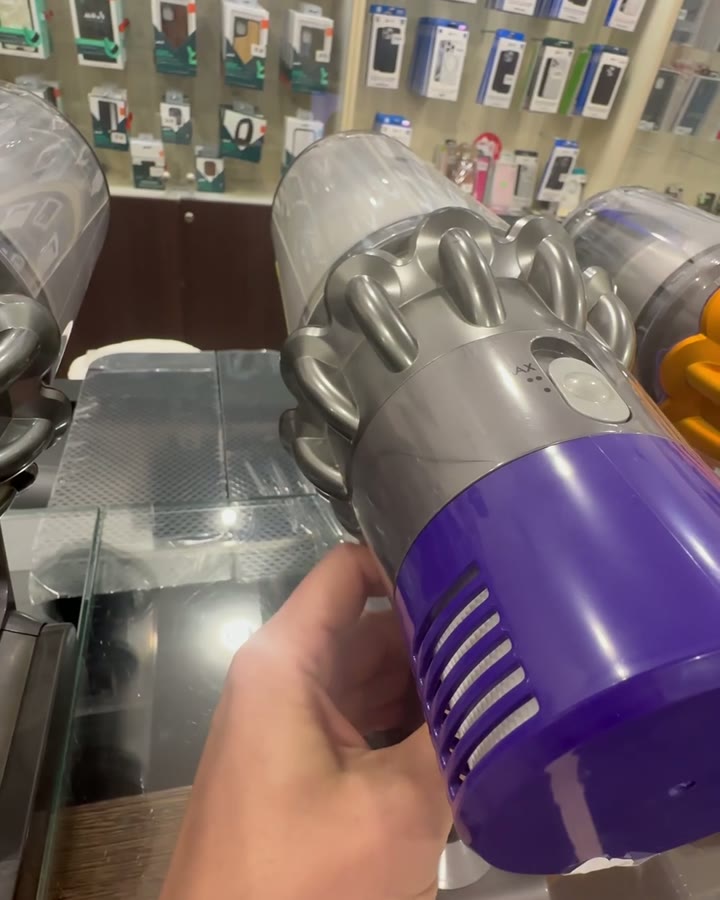
If that doesn’t help
If suction is still weak after washing and drying, or the vacuum keeps switching off, the cause may be the battery or the motor. At our workshop we take the vacuum apart, find the cause and tell you the price before the repair. If you have the repair done with us, the diagnosis is free; if you decline the repair, it costs €20.
Tips
- Empty the bin before washing the filter, so the dirt doesn’t end up back in it.
- Don’t dry the filter on a radiator or with a hair dryer.
Also read: 3 signs your Dyson needs a technician.
What’s inside your Dyson




- Tourism and leisure
- 3MK
- Solar Power
- Green Cell
- LED Lamps
- Drones
- Mous Accessories
- Details
- Phones and smartphones
- Tablets, accessories
- Photo, video equipment, optics
- TV, Video equipment
- Laptops, accessories
- Gaming Consoles
- Accessories
- Health care & beauty
- Computers
- For kids
- Device
- Audio equipmets
- Transportation devices
- Home and Garden
- Building tools
- Small appliance

Kr. Barona iela 70, Rīga.


